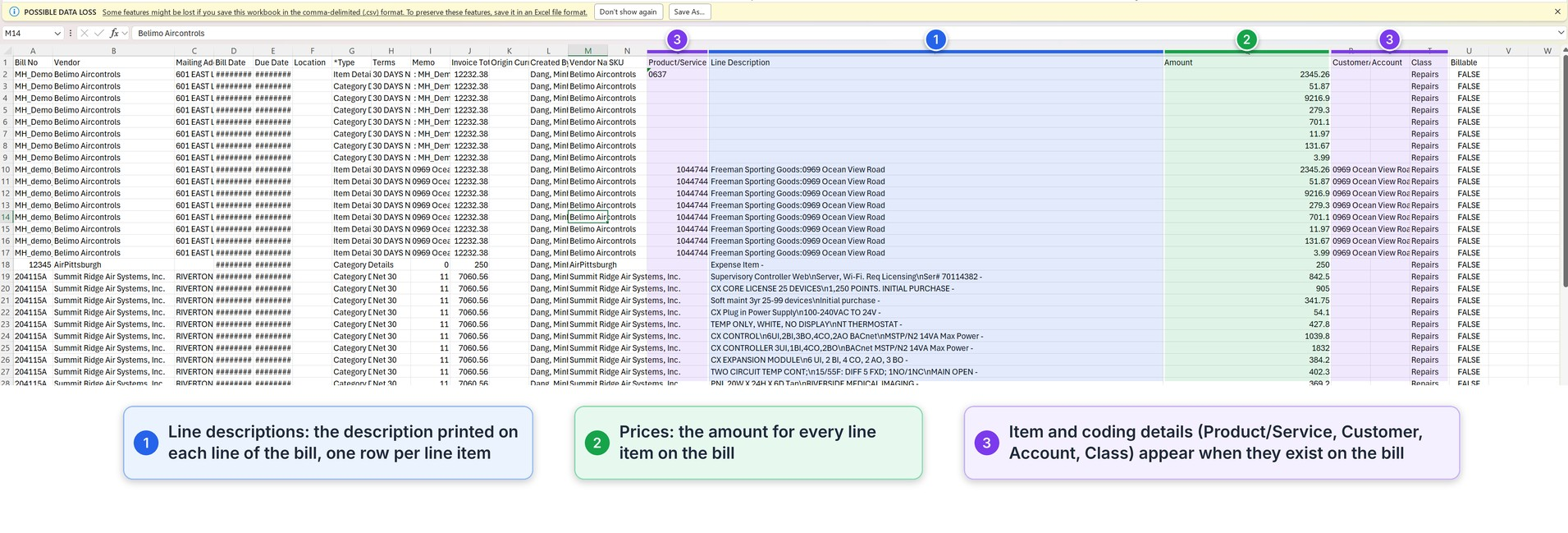
With MakersHub data exports, you get a clear view of your billing activity: who you're paying, how much, and the current status of each bill. MakersHub supports two types of data exports:
Export to Excel: Ideal for comprehensive reports, with the data fields (columns) customized to your needs.
Download to a Zip File: Perfect for quickly getting a copy of all the PDF invoices existing on your MakersHub instance.
With MakersHub, you can pull line-level reports for greater visibility into what your business is paying for, or quickly retrieve historical records and backups stored in MakersHub.
Export Bills to Excel
Please Note: By default, MakersHub exports bills at the header level, but can be customized to pull line-level details and other attributes.
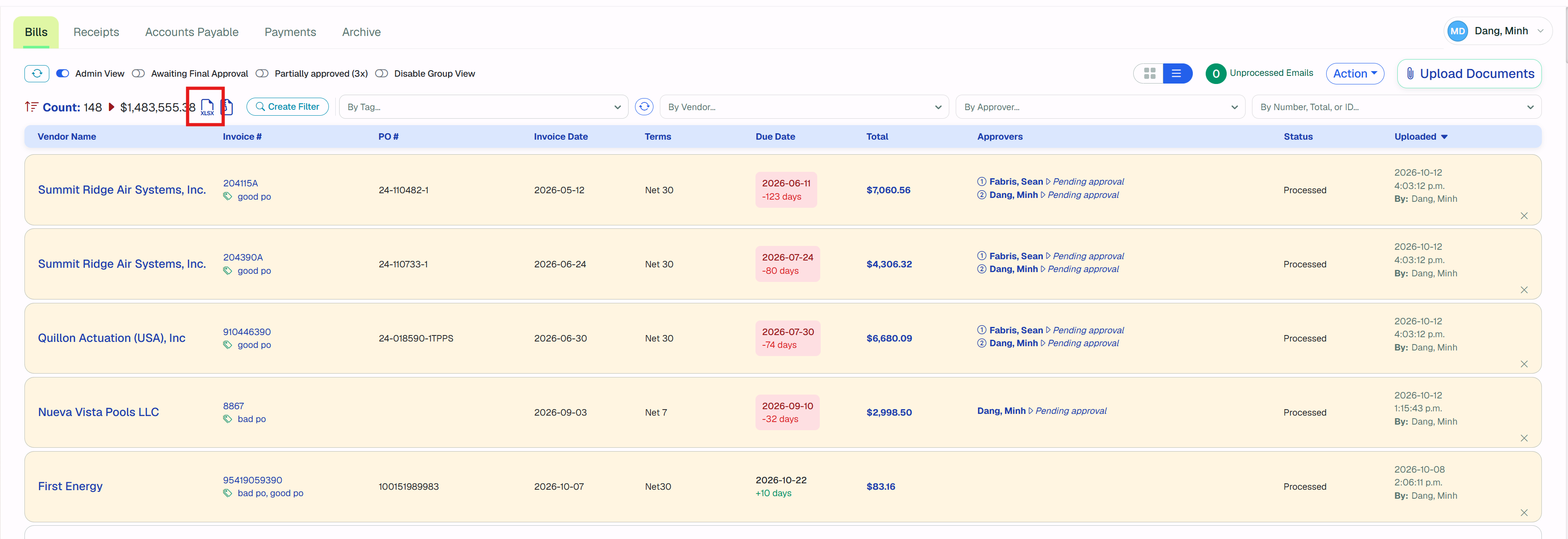
Sign in to MakersHub. Located in the left sidebar, select Financial > Bills
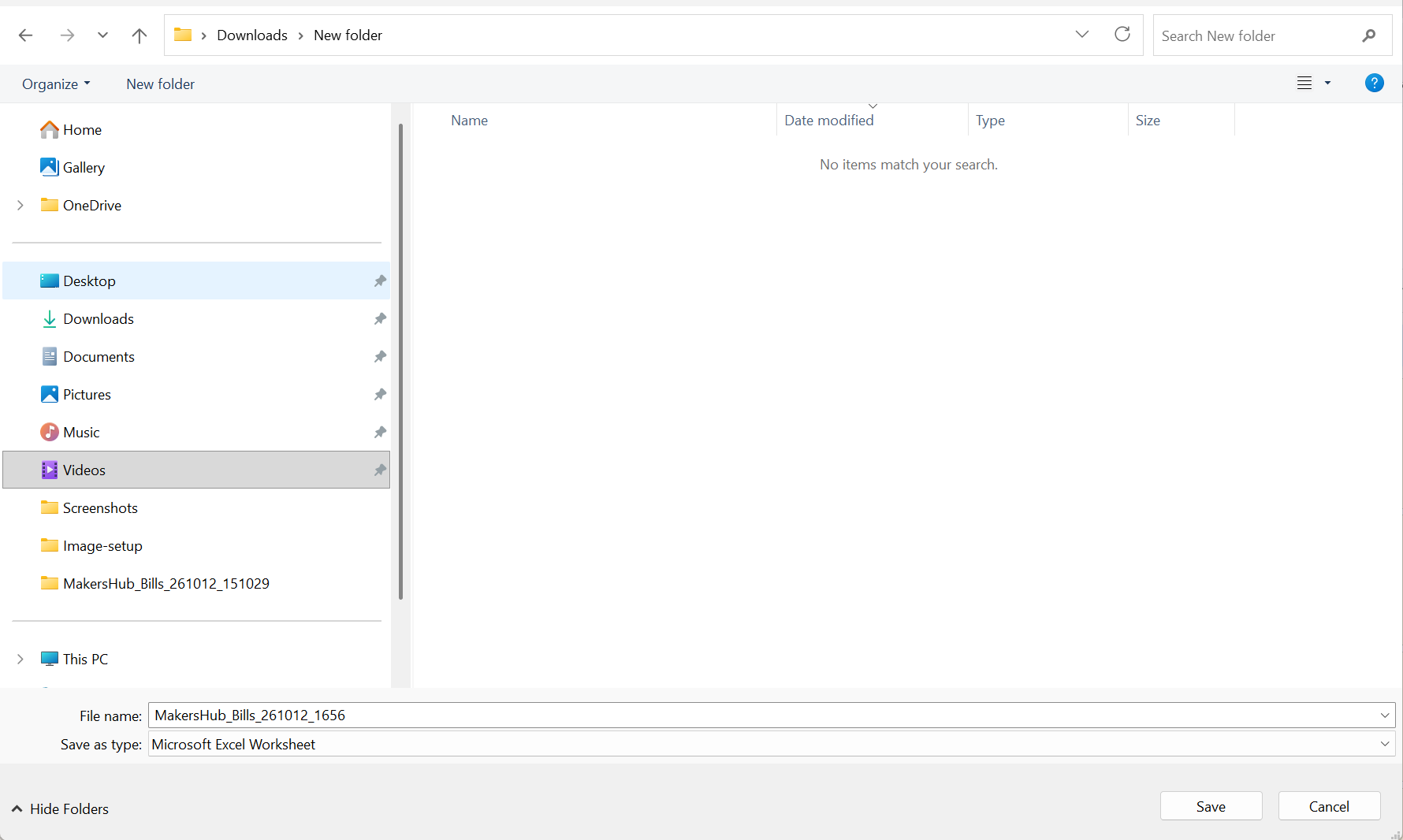
Select a folder/file destination where you want the file to be saved.
Locate and open the file
MakersHub Default Data Export will capture the header details, including your Invoice number, Vendor, Purchase Order Number, Terms, Due Dates, and your list of approvers.

Custom Data Export
Additional fields are available within the MakersHub Data Export Module. Follow the steps outlined below to set up your customized data export.
Your title goes here
Your content goes here
Sign in to MakersHub. Click your User Profile. Select Bill Settings.
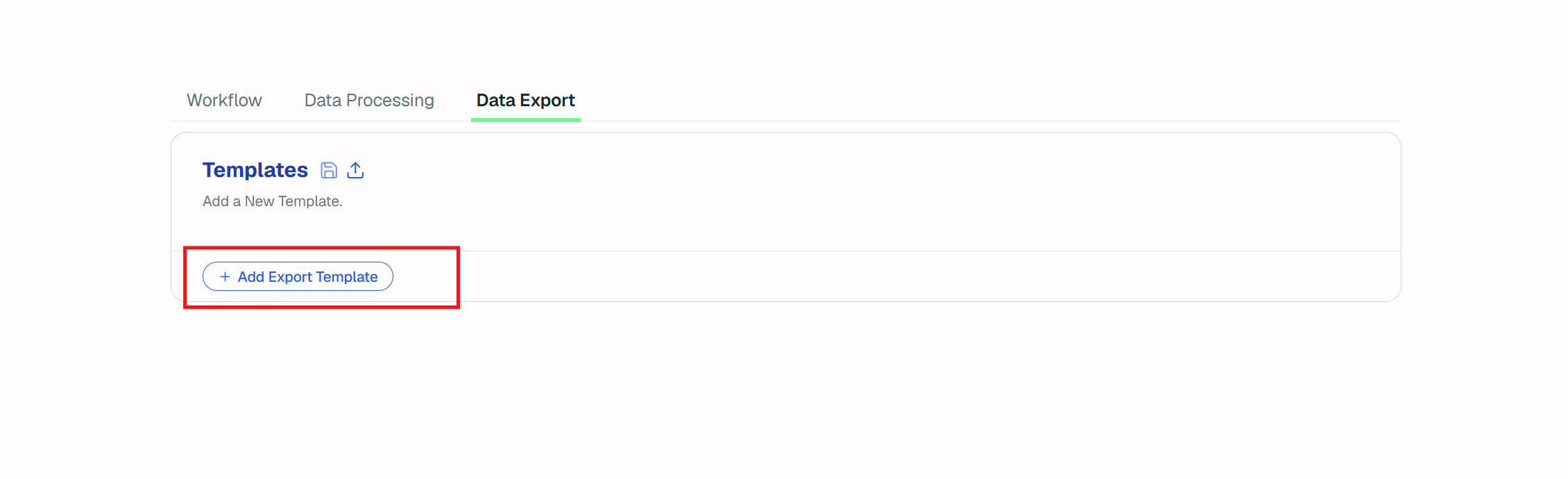
Select the Data Export Tab.
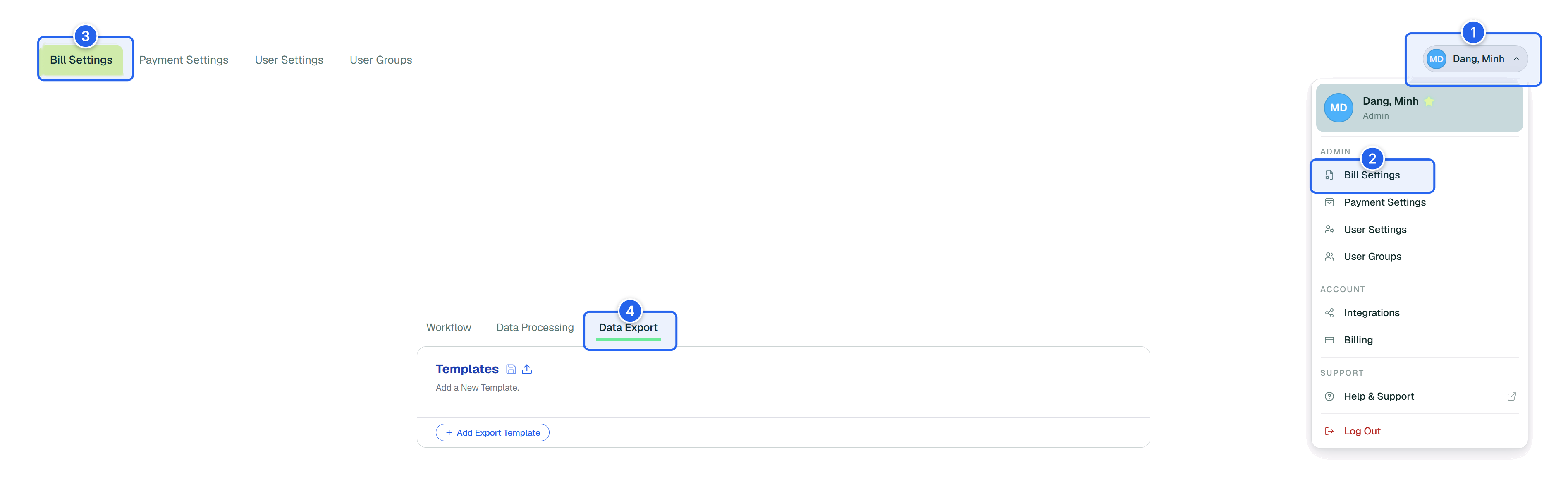
Click Add Export Template to begin creating your custom data export.
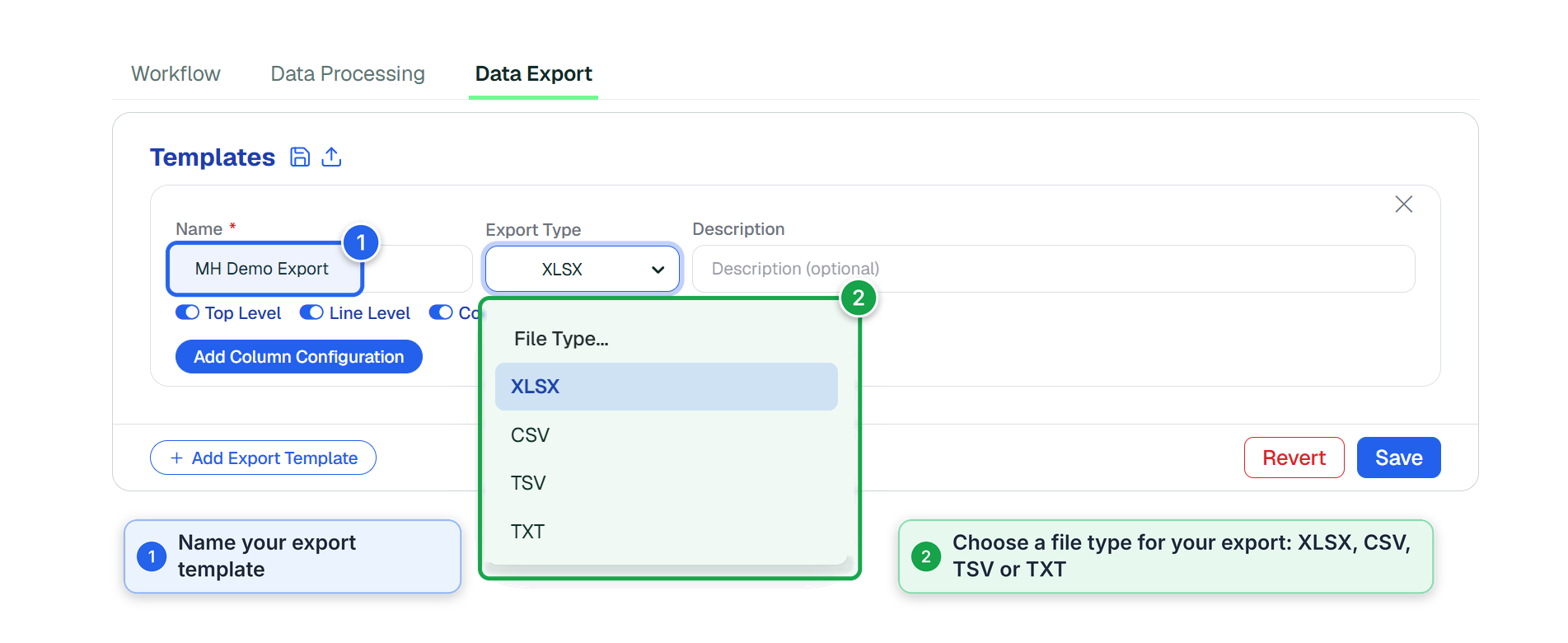
Name your Data Export Template. Select the File Type.
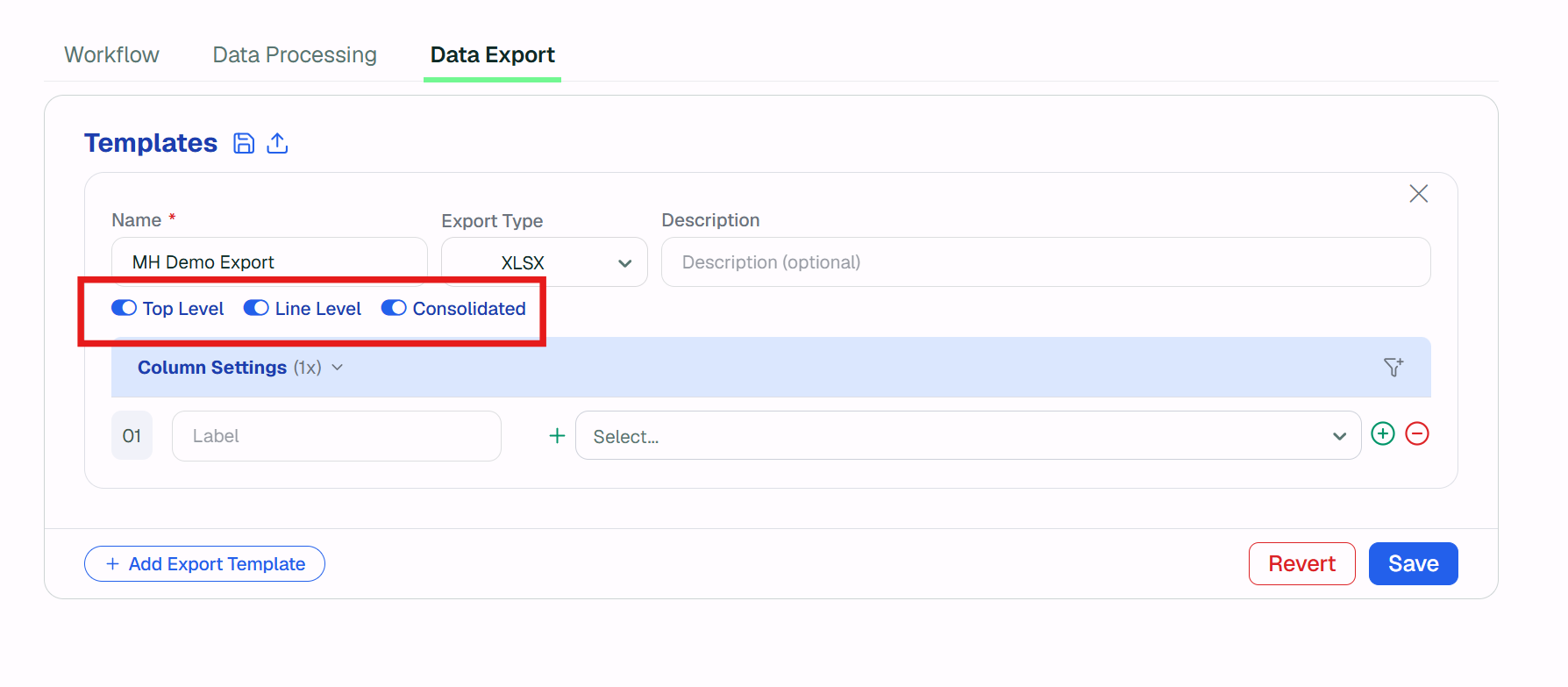
Toggle on the Report you want to export.
Please Note:
With all three on (Top Level, Line Level and Consolidated), MakersHub exports all three at once. Turn off any you don't need.
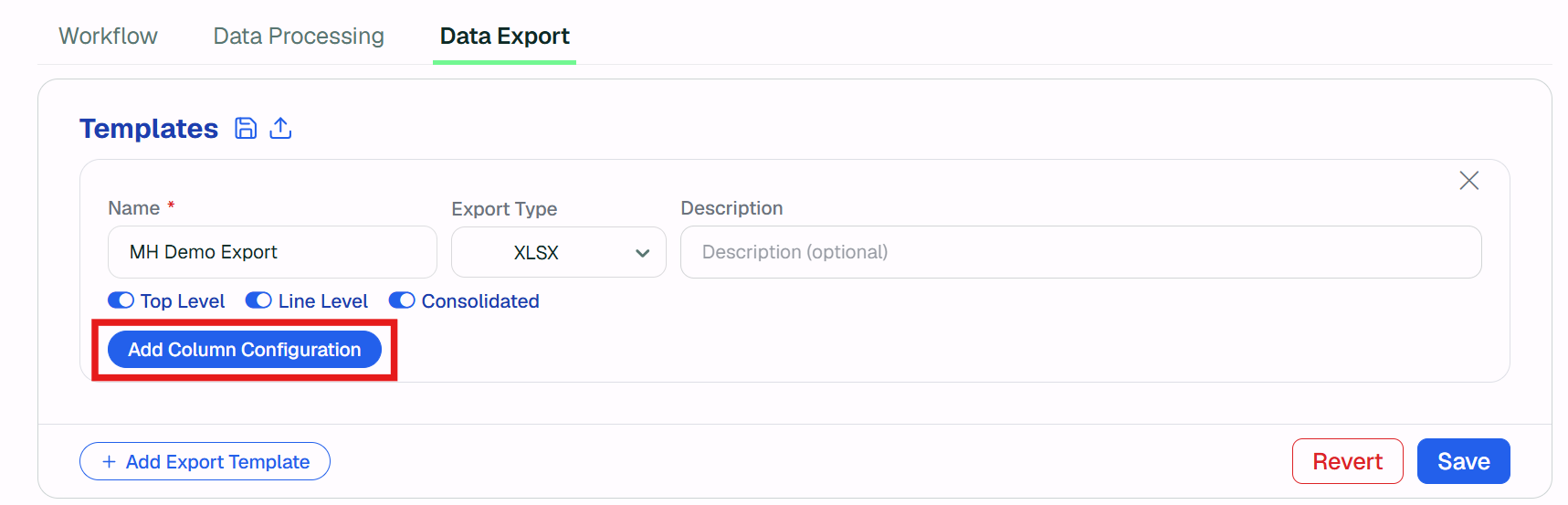
Click Add Column Configuration to customize your report columns.
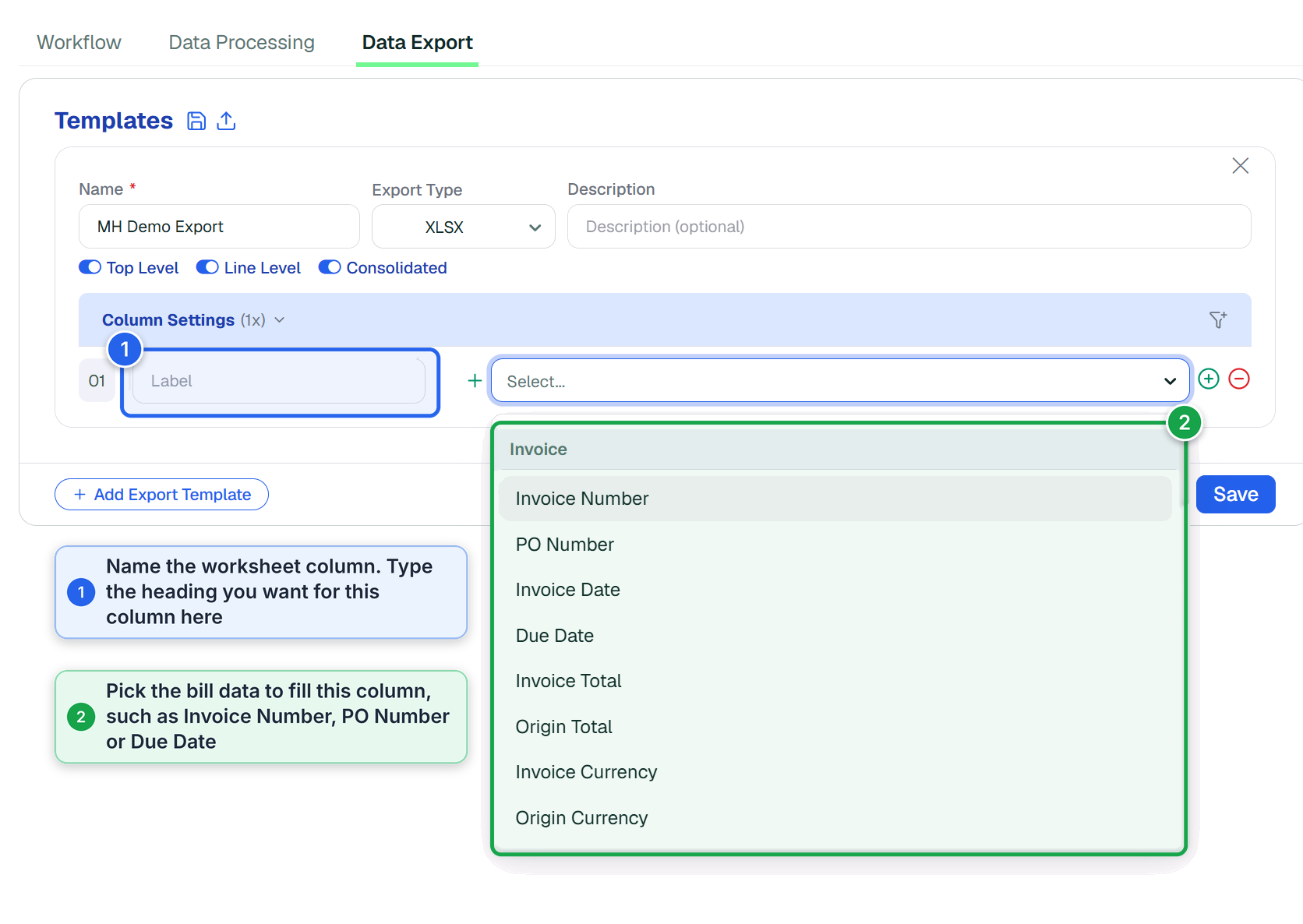
In Column Settings, name each worksheet column in the Label field, then select the bill data that belongs in it from the dropdown.
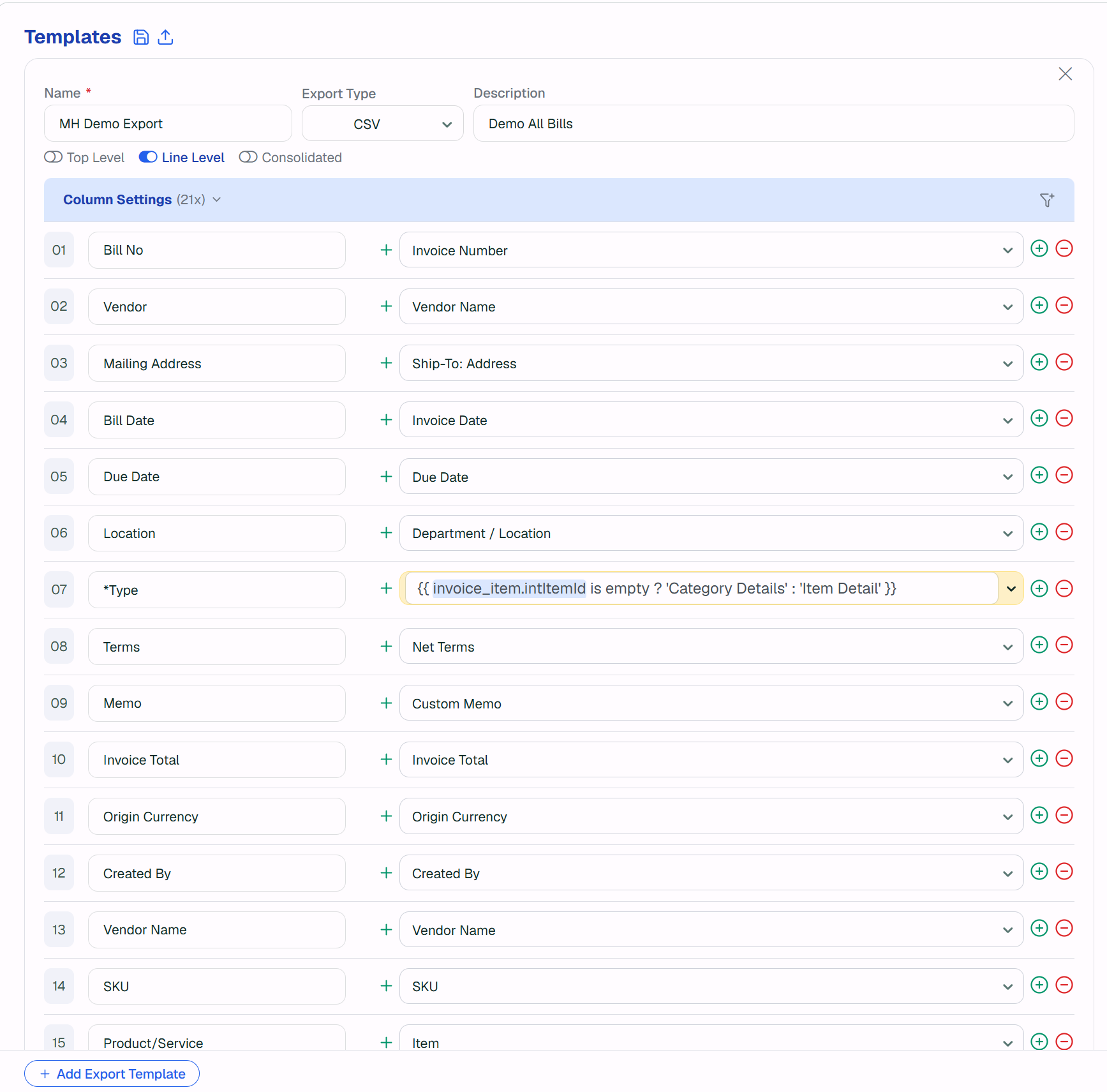
The Example below is a completly built data export template that gives the accounting team full visibility into bill-related data.
Build a custom export with the bill coding data you need, such as vendor, account, class, item, and amount. Use it for analysis, or format it to match your ERP's import file.
MakersHub Export Configurations:
Data Export Output: